Bulk Edit Tasks and Update Task Progress in Celoxis
You can select multiple tasks and perform actions on them. Click on the next to the checkbox in the report table header as shown below:
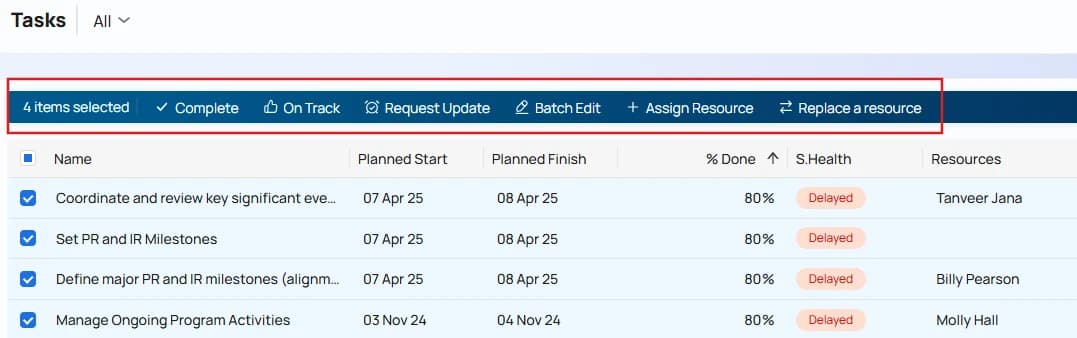
50%, 100% & On Track
Updates the % complete of selected tasks. For "On Track",
.
Request an Update
Sends an email to the assigned resources asking them for a progress update.
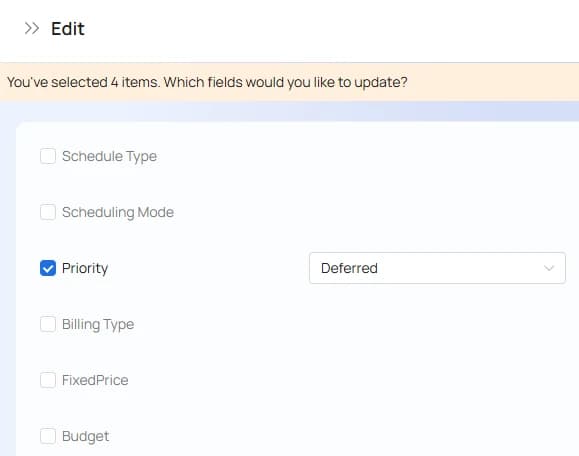
Edit
Allows multiple attributes to be modified at once, including custom fields as shown below: